You'll end up with
- One tidy folder, sorted the way you look for things
- Duplicates set aside with a note, never deleted
- A short note in the folder saying what's where
- A saved "folder organiser" you can use again with one sentence
You'll need
- 10 to 20 files you don't mind practising on (you'll copy them)
- An AI tool that can open a folder on your computer, such as Claude's desktop app. This usually needs a paid plan, and the course checks yours.
- No folder access on your plan? The course gives you a plan to follow by hand instead.
- For work files: your company's OK for AI to see them
See it first
A plan first, then the tidy-up
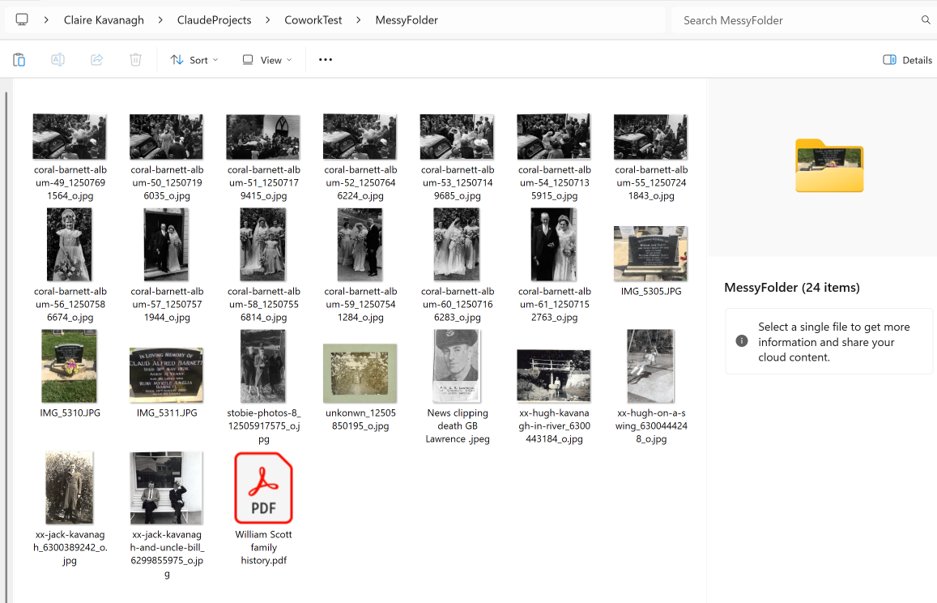
This is my own test: old family photos and a PDF, all in one folder. It showed me a plan, I changed it once, and then it did the moving.
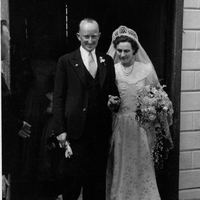 coral-barnett-album-57_12507571944_o.jpg
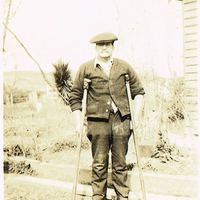 Papa Kavanagh.png
 Scan_20220424.png
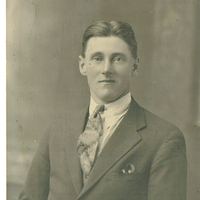 Jack McKenzie portrait.png
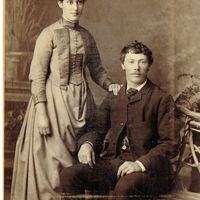 Papas Siser Jean Murray.png
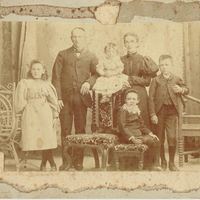 Greaves Family photo Melbourne.png
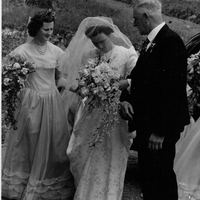 coral-barnett-album-59_12507541284_o.jpg
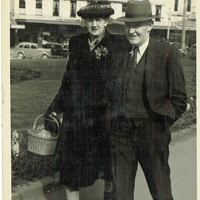 Grandma and Papa Octogen Dunedin.png
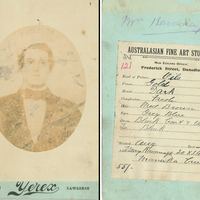 William Kavanagh.png
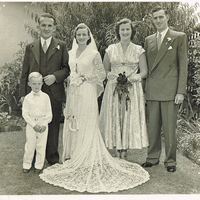 Peter Edna Jean Geoff Greg.png
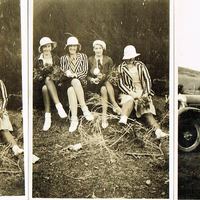 Molly Alice Hazel Fay.png
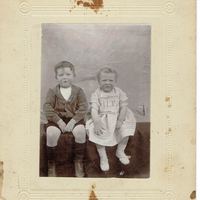 Alice Elizabeth and Robert William Kavanagh.png
What's where, and what still needs you.
Images/      12 photos
Documents/    1 PDF
OK to go ahead?
Kavanagh/  McKenzie/  Greaves/
Weddings/  Group Photos/
Unsorted Scans/  Family Tree/
Make a Test Folder and copy 10 to 20 files into it. Mine was old family photos and a PDF.
From my own test
Before and after
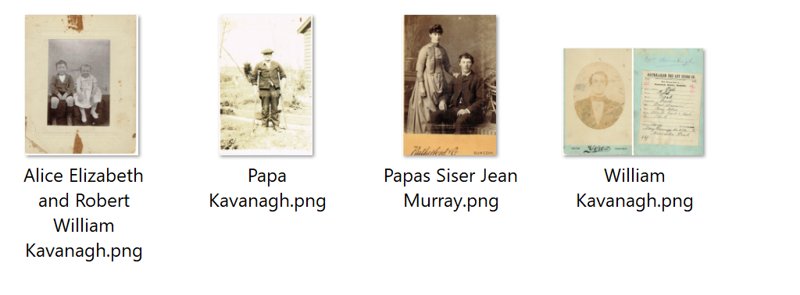
The real thing, from my computer. The bit that made me smile: "Papa's sister Jean Murray" ended up in the Kavanagh folder. It worked out from the file name that she belonged with Papa's side of the family.
How it works
Three steps
Copy
Copy the instructions below, or download them as a file.
Paste
Paste them into a new chat in your AI tool. In Claude, use the desktop app's Cowork mode so it can open folders.
Answer
It takes you one step at a time: test folder, plan, tidy-up, check, then saving your folder organiser.
You practise on copies, so your real files are never at risk. It only creates folders and moves files. It never renames or deletes anything.
The course
Copy this into your AI chat
Loading… If nothing appears, use Download .md above.
Official help
Straight from the AI tools
Features and plans change often. These pages are always the latest version, and the course tells your AI to check them as it goes.
Other AI tools
Search your tool's help pages for "work with local files" and "custom instructions". If it can't open folders, the course still works: you paste in the file names and follow its plan by hand.
Want more of your week back?
A tidy folder is a start. In a Power Hour we pick the next thing eating your week and fix it together. Or book a free 15-minute call to talk it through.
info@liminalcx.com